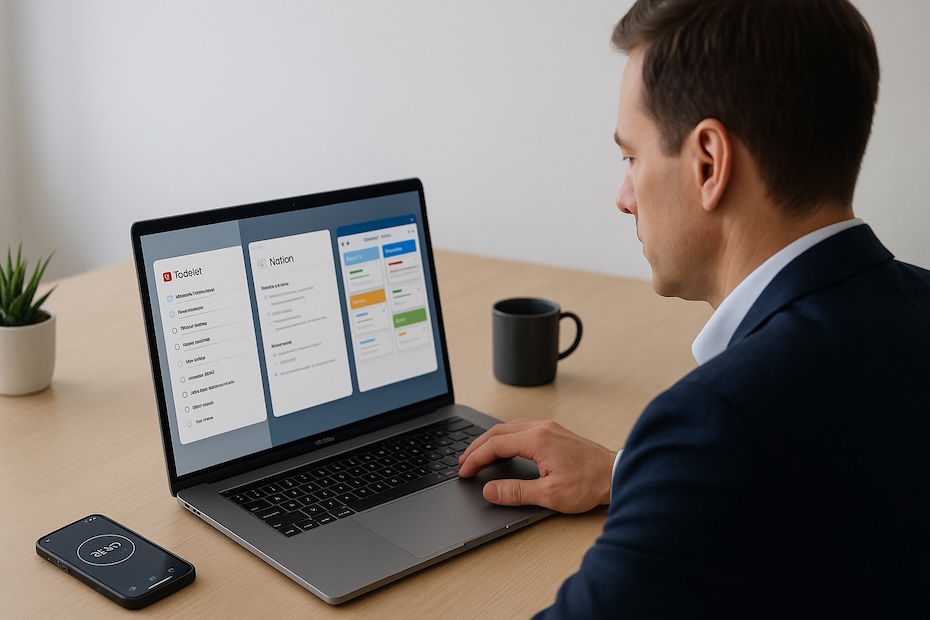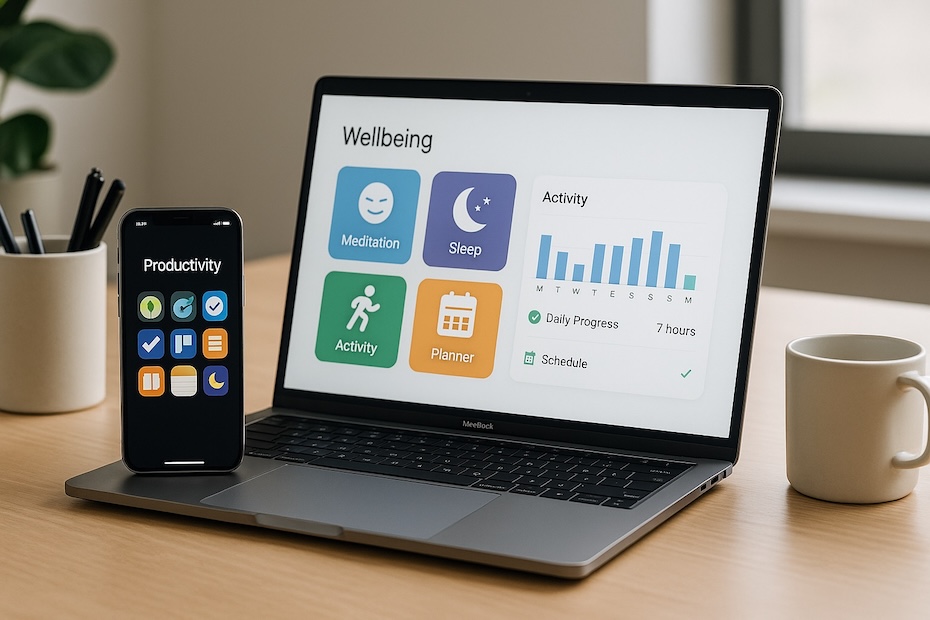
You strengthen your work-life balance by using wellbeing apps that help you manage stress, organize personal time, protect rest, and build healthier routines. These tools keep you grounded, structured, and aligned with habits that preserve both your productivity and your wellbeing.
You want apps that reduce mental load, support recovery, and keep you attentive to your energy levels. This list highlights ten apps every busy professional should consider and shows how each one supports a different pillar of a balanced lifestyle — mental clarity, sleep, self-care, movement, focus, and daily planning.
1. Headspace — Meditation and Stress Reset for Busy Professionals
Headspace gives you quick guided meditations and breathing sessions designed to reduce mental tension and support emotional balance. You use it to break stressful cycles and create pockets of calm inside packed schedules. Daily sessions help you manage pressure and regulate your nervous system without needing long blocks of time.
The app includes short audio lessons, mindfulness practices, and visualizations that help you stay present. Many professionals rely on Headspace during high-intensity work periods because it stabilizes mood and increases clarity. Its structure turns mindfulness into a routine instead of something you “get around to.”
As you incorporate Headspace into your daily rhythm, you sharpen your focus, reduce anxious thinking, and strengthen your resilience — key ingredients for sustainable work-life balance.
2. Calm — Sleep, Relaxation, and Wind-Down Tools That Support Recovery
Calm focuses heavily on sleep and mental rest. You use its guided sleep stories, relaxing soundscapes, breathing tools, and gentle meditations to disconnect from work before bed. When you operate under tight deadlines or mental strain, Calm’s wind-down exercises help you transition from work mode to recovery mode.
The app includes short stress-relief practices you can use between meetings or after long work cycles. This creates micro-breaks that recharge you throughout the day. Calm also tailors recommendations to your stress level, giving you support exactly when you need it.
If sleep quality often suffers because of mental overload, Calm becomes an essential part of your nighttime routine — protecting your energy and improving productivity the next day.
3. Daylio — Mood Tracking That Builds Emotional Awareness
Daylio helps you log mood patterns and daily activities with just a few taps. You track how work, rest, social time, and personal habits impact your emotional state. Over time, the app reveals patterns you may not notice day-to-day, helping you understand what improves your wellbeing and what drains it.
You also gain visibility into how lifestyle choices — exercise, journaling, breaks, sleep, diet, or time outdoors — influence stress levels. This awareness guides smarter decisions about how you spend your hours. Professionals often use Daylio to correct imbalances before they develop into burnout.
By using Daylio consistently, you create a feedback loop that keeps you honest about your habits and aligned with behaviors that protect your wellbeing.
4. Finch — Gentle Wellness Encouragement Through Daily Habits
Finch turns wellbeing into small daily tasks that feel achievable, even on demanding days. The app guides you through mood check-ins, hydration reminders, breaths, gratitude prompts, and micro-habits that keep you anchored. It creates a sense of progress without pressure.
You benefit from structured self-care that doesn’t overwhelm your schedule. When your workload spikes, Finch provides quick actions you can complete in seconds — which reinforces consistency and reduces emotional volatility.
If you struggle to maintain self-care routines during busy periods, Finch helps you stay steady. Its gamified system encourages healthy behaviors while making wellness feel light and manageable.
5. HeiaHeia — Physical Activity Tracking for Energy and Motivation
HeiaHeia supports activity tracking across hundreds of exercises — from walking and running to stretching, yoga, cycling, and wellness breaks. You log daily movement, set goals, and monitor progress. Staying physically active directly improves energy levels, sleep quality, and mental performance.
The app also includes encouragement features and optional social components where friends or coworkers motivate each other through shared goals. If your job is sedentary or meeting-heavy, HeiaHeia ensures movement becomes part of your daily routine.
Regular physical activity reduces stress, sharpens focus, and builds emotional stability — making HeiaHeia a crucial tool for professionals who want healthier habits without complicated fitness tracking systems.
6. Trello — Visual Task Organization That Prevents Overload
Trello helps you keep work tasks and personal responsibilities organized in one place. You create boards, lists, and cards that reflect all parts of your life — work projects, home tasks, financial reminders, travel planning, self-care routines, or personal goals.
This visual structure reduces chaos. When everything is stored in one system, you avoid scattered notes and last-minute surprises. Trello allows you to separate work and personal boards while still keeping your full schedule visible when needed.
Many professionals rely on Trello because it reduces decision fatigue. When your tasks are clearly defined, you spend less time juggling priorities and more time completing what matters.
7. Notion — All-In-One Workspace for Planning and Personal Alignment
Notion gives you a central hub where you manage work, personal life, wellness, goals, and routines in one place. You build dashboards tailored to your lifestyle: habit trackers, meal plans, weekly reviews, journals, mood logs, project timelines, and calendars.
You gain clarity by linking all areas of life — preventing important tasks from slipping through cracks. Notion helps you integrate wellbeing practices into daily planning, ensuring that personal time, rest, and recovery receive as much attention as professional duties.
If you crave organization and structure, Notion becomes your control center — giving you more intentionality and stability as responsibilities grow.
8. Forest — Focus Booster for Reducing Digital Temptations
Forest supports your focus by reducing time spent on distracting apps. When you need uninterrupted work or personal time, you plant a virtual tree. If you leave the app, the tree dies. This simple mechanic creates accountability and reduces digital temptation.
Over time, Forest helps you train stronger attention habits. Whether you use it for deep work, reading, relaxation, or quality time with family, Forest reinforces boundaries between digital tools and your personal time.
Busy professionals who struggle with phone distractions often use Forest to regain control over their attention and protect their focus.
9. Freedom — Multi-Device Blocking for Digital Boundaries
Freedom blocks distracting websites and apps across all your devices — computer, tablet, phone — helping you enforce boundaries during work blocks, evenings, weekends, or personal time. When digital overload affects your wellbeing, Freedom prevents notification fatigue and disrupts compulsive checking.
You can schedule recurring sessions to build structure: “focus hours,” “evening unwind,” or “weekend disconnection.” This consistency restores mental space and reduces stress caused by constant alerts.
Freedom benefits professionals who want firm boundaries between work, personal life, and rest. It enables healthier digital habits that protect your energy across the entire week.
10. Sleep Cycle — Sleep Analysis for Better Rest and Recovery
Sleep Cycle tracks your sleep patterns, analyzes quality, and wakes you during a lighter stage of sleep, making mornings easier and improving recovery. You use it to understand how lifestyle habits affect your rest — eating late, exercising, stress, screen time, or inconsistent routines.
The app offers clear graphs and insights that reveal where your sleep suffers. Better sleep strengthens every aspect of wellbeing: productivity, focus, mood stability, and emotional resilience. With Sleep Cycle, you create routines that support healthy recovery even during demanding stretches of work.
Professionals who prioritize sleep perform at higher levels and maintain stability longer. Sleep Cycle ensures your rest becomes a reliable foundation instead of an afterthought.
Top Apps for Work-Life Balance
- Headspace: stress relief
- Calm: sleep routines
- Daylio: mood tracking
- Finch: habit support
- HeiaHeia: activity logging
- Trello: task clarity
- Notion: unified planning
- Forest: focus
- Freedom: digital boundaries
- Sleep Cycle: sleep tracking
Strengthen Your Balance and Build a Life That Supports Your Growth
You improve your daily rhythm when you use tools that steady your mind, protect your rest, structure your habits, and help you stay focused on what matters. These ten apps give you a practical foundation for better wellbeing and healthier balance across work and life. As you adopt them consistently, you shift from reacting to your schedule to shaping it intentionally. Your energy rises, your clarity improves, and your performance becomes more sustainable — not driven by exhaustion, but guided by alignment.